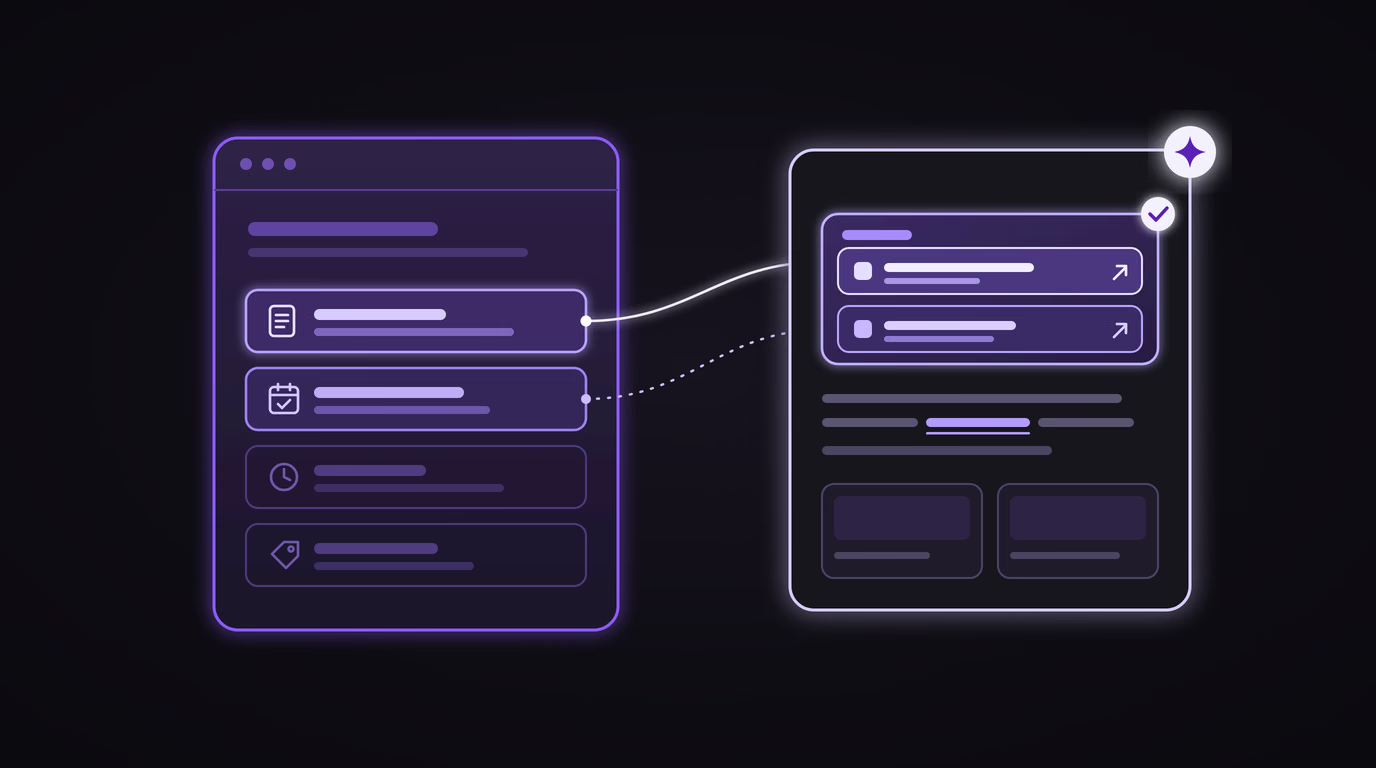
Ever since Google's AI answers arrived in France on 22 July, nearly every business owner I meet asks me the same question: does Google still send people to websites? On 15 October, Google gave part of the answer. It announced many more links in AI Mode and AI Overviews, and it is testing a new box at the top of answers for the "official places" where a task gets done. For a local business, those places have very plain names: the menu, the booking page, the opening hours. They just have to exist on your website.
What Google announced on 15 October
The announcement was published on Google's official blog by Hema Budaraju, VP of Product Management for Search. It bundles five changes, and they don't all have the same status:
| What changes | Status | For a local business |
|---|---|---|
| More links in the text of answers, placed higher up | Rolling out | A sentence in the answer can point straight to one of your pages |
| An "official pages" box at the top of the answer, with context for each link | Test | One or two pages highlighted when a task gets done in one specific place |
| End-of-answer links made more visible, with a thumbnail | Rolling out | Your page's image becomes part of the link |
| News carousels expanded to more countries and languages | Rolling out | Mostly for publishers |
| Clickable creator names on AI Mode video results | Test | Mostly for video creators |
The sentence that caught my attention comes with the second item: "Sometimes, there are only one or two official places on the web to complete a specific task or get the exact info you need." Google says it will be testing "a new display" to surface those links prominently, with some context on what each one lets you do.
On the first item, Google talks about "continued and substantial increases" in inline links, the underlined words in an answer that lead to a page. It gives no figures, but the intent is clear: Google wants to show it still sends people to the web.
For a local business, what counts as an official page?
Google gave no local example. The examples picked up by the trade press are about software companies: the help page, the sign-up page, the pricing page. Bring that down to your street. When someone asks Google's AI to book a table with you, see your menu or check whether you're open on 1 November, there is only one official place for that: your own website.
| What your customer asks | The official page you'd expect | What the AI finds when it doesn't exist |
|---|---|---|
| "Menu at restaurant X" | A "Menu" page in text, with prices | A customer's photo of the menu, an old PDF, a directory listing |
| "Book a table at X on Saturday night" | Your booking page | A platform that also shows your neighbours, or nothing |
| "Is X open on 1 November?" | An up-to-date hours and directions page | A directory nobody has updated in years |
| "Price of a haircut at X" | A "Prices" page | A comparison site, a 2023 review quoting an old price |
| "Cancel my room at hotel X" | A "Terms" page | An online travel agency's terms |
This table is my own analysis: Google hasn't published its selection criteria. But one thing is certain, you can only highlight what exists. A one-page website with a phone number has nothing to offer for "see the menu". A menu published only as a photo has nothing to quote. And a business with no website doesn't even enter the conversation, which matches what the audit of 4,776 restaurants published this summer showed: the first factor in being recommended by an AI is having a website.
What Google didn't say
The announcement is promising, but it leaves plenty of open questions. Four points are worth keeping in mind before you reorganise everything:
- No countries, no dates. The official pages box is a test, and the announcement names no country. Info-Lux points this out for Belgium, Luxembourg and France: nothing says when, or whether, it will arrive there.
- No selection criteria. Google doesn't say how it decides a page is "official". The only public rule is the one on its "AI features and your website" page: a page must be "indexed and eligible to be shown in Google Search with a snippet", with no special file or markup.
- No click data. As Abondance notes, Google still doesn't publish how many clicks these links generate, and only promises additional metrics "over time". I've already explained what Search Console measures, and what it doesn't.
- Not every link leads to a website. In September, Search Engine Roundtable spotted links at the bottom of AI Overviews that open… AI Mode, not a web page. More links don't necessarily mean more visits.
Why it's still good news
The big fear since July has been zero-click: the AI answers, nobody visits anything anymore. With this announcement, Google publicly acknowledges that there's a category of questions where the answer is a link: the ones where you need to do something. An AI can summarise a recipe. It can't book you a table without sending you somewhere, except through the partner platforms I described in my piece on agentic booking.
And the questions people ask about a local business almost all fall into that category: book, order, get there, make an appointment, check a price. That's exactly where a small business can beat a platform, because the official page is, by definition, its own.
It's also the logical next step in what I've been seeing for several weeks. With suggested edits on your Google Business Profile, your website serves as proof. With Google Ads Automated promotions, it serves as the source. Here, it becomes the destination. In all three cases, what matters is having the right information on the right page. And since AI Mode splits one question into dozens of searches, each sub-question ("menu", "hours", "booking") stands a better chance of landing on a page that answers it precisely than on a homepage that talks about everything.
The ten-minute test, to do this week. Open Google's AI Mode and ask the five questions your customers ask you most, with your business name: "[name] menu", "book at [name]", "is [name] open on Sunday". For each one, note whether the answer cites your website, which page exactly, or a platform's page instead. That's your starting point, and the list of pages you're missing.
What to do, in order
- List the tasks. The five to eight things your customers come to do: see the menu, book, check opening hours, find prices, make an appointment, order, get directions, cancel.
- One task, one page. Each task gets its own address (/menu, /booking, /hours) and a title that says exactly what's on it: "Menu and prices — Restaurant X, Paris 11th" rather than "Discover our flavours".
- Text, not images. A scanned PDF or a photo of your menu gives nothing to quote. Write your dishes, services and prices as text on the page. Keep the PDF if you like, but as an extra.
- Check that Google can read it. Type site:yourwebsite.com/menu into Google, or use URL Inspection in Search Console. A page missing from the index can be neither cited nor highlighted.
- Link it from the homepage and the menu. A page that nothing links to is a page nobody finds, human or robot.
- Align your Google Business Profile. Your profile's "Website" link, and the menu or booking links when your category offers them, should lead to these pages and say the same thing. That's the principle of the Business Profile and website duo.
- Add the useful structured data, such as the business type, opening hours and a link to the menu. Google repeats that no markup is required for its AI features: it helps understanding, it's not a shortcut.
- Measure page by page, over three months. In Search Console, look at the impressions and clicks for each of these pages. It's imperfect, but it's the only measurement Google gives you today.
Frequently asked questions
What did Google change in its AI answers on 15 October 2026?
Google announced more inline links in the text of AI Mode and AI Overviews answers, placed higher up, more visible end-of-answer links with a thumbnail, and the expansion of news carousels. It is also testing two new features: a box that highlights one or two official pages at the top of the answer, and clickable creator names on videos.
What is the "official pages" box?
It's a display Google is testing at the top of some AI answers, when there are only one or two official places on the web to complete a task or get a specific piece of information. Each link comes with a short explanation of what it lets you do. For a local business, those official places are typically its menu, booking, pricing or opening hours page.
Is this box available in France?
Nothing confirms it. It's a test, and Google's announcement names no country and no rollout date. AI Mode and AI Overviews have been available in France since 22 July 2026, but each new feature can arrive later, or never. Preparing your pages costs nothing and helps with inline links anyway, which are already rolling out.
Do I need special markup for my page to be picked?
No. According to Google's documentation, a page simply needs to be indexed and eligible to appear in Search with a snippet. No special file or markup is required. Google hasn't published what makes a page "official": a clear page, in text, dedicated to a single task and consistent with your Google Business Profile remains the best bet.
My website only has one page. Is that a problem?
For this feature, yes. A single page can be cited for your name or address, but it can't be the official page for your menu, your bookings and your prices all at once. Without changing your website, you can often add two or three pages dedicated to the tasks your customers do most, starting with the one that comes up most often on the phone.
If you'd like to know which official pages your website is missing, send me its address: I'll ask AI Mode the questions your customers really ask, and tell you in one page which pages to create or rewrite first. It's at the heart of my work on how machines read your business, and it's the foundation of every site I build: one page per task, in text, connected to your Google Business Profile.